Laser Welding Machine Temperature Alarm: Causes and Troubleshooting Guide
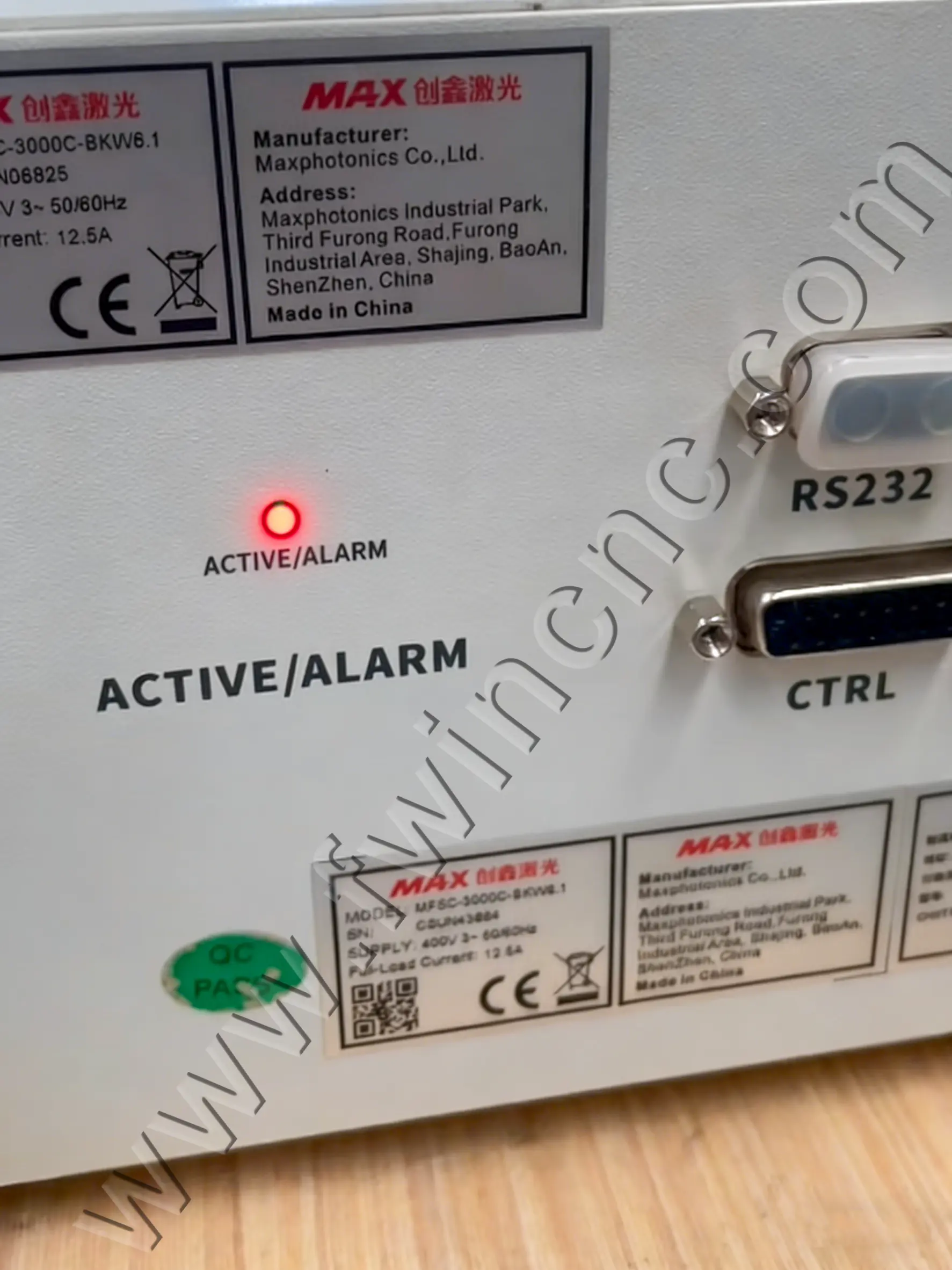
A temperature alarm on a fiber laser welding machine is a serious warning signal. If your system displays a “temperature alarm” or abnormal overheating message, the issue usually relates to optical components, shielding gas quality, signal interference, or internal electrical faults. Immediate inspection is necessary to prevent damage to the laser welding head and core components.
This guide explains the common causes of a laser welding machine temperature alarm and provides practical troubleshooting solutions to restore stable operation.
Common Causes of Laser Welding Head Overheating
1. Damaged Double Protective Lenses
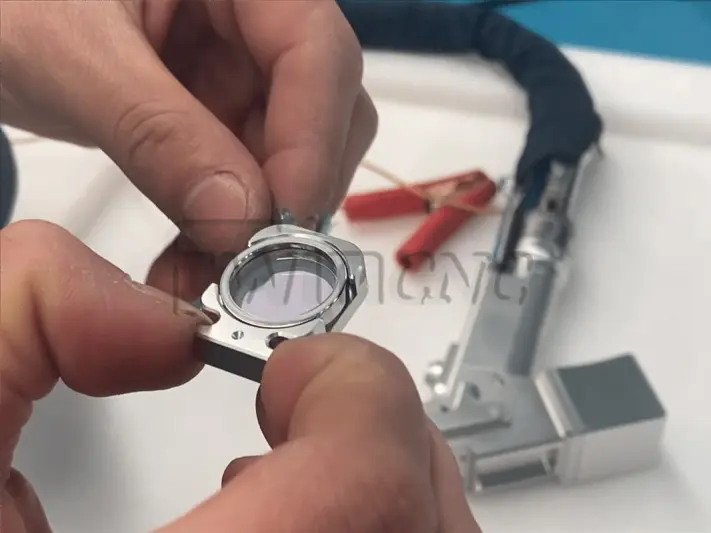
Fiber laser welding heads typically use upper and lower protective lenses to shield internal optics from spatter and heat. If either lens is scratched, burned, or contaminated, laser transmission efficiency decreases and internal heat rises rapidly.
2. Red Light Misalignment
If the red aiming beam shifts and strikes the inner wall of the welding head instead of exiting through the nozzle center, localized overheating may occur. Misalignment can result from parameter drift or mechanical offset.
3. Damaged Focusing Lens
A worn or cracked focusing lens disrupts beam convergence, causing unstable energy density and excessive heat inside the laser welding head.
4. Shielding Gas Contamination
If compressed air or shielding gas does not pass through an oil-water separator, moisture and oil contamination can damage lenses and reduce cooling performance, leading to overheating alarms.
5. Low-Quality Protective Lens Coating
Protective lenses with poor light transmittance or insufficient high-temperature resistance absorb more laser energy. This increases thermal load and may trigger a laser welding head temperature alarm during high-power operation.
6. Argon Arc Welding Signal Interference
Operating the laser welding system near argon arc welding equipment can cause electromagnetic interference. Signal disturbance may result in unstable temperature readings or false alarms.
7. System Malfunction
Control system errors or internal communication faults may generate abnormal temperature warnings even when mechanical components appear intact.
8. Burned Temperature Monitoring Board
The temperature monitoring board inside the laser welding head may fail due to overheating or electrical overload. Once damaged, it may continuously trigger temperature alarms.
Troubleshooting Solutions for Laser Welding Temperature Alarm
1. Inspect and Replace Protective Lenses
Under strong lighting, check both protective lenses for burn spots, contamination, or cracks. Replace immediately if defects are found. Use high-transmittance, high-temperature-resistant lenses designed for fiber laser welding applications.
2. Adjust Red Light Alignment
If the red light shifts horizontally, adjust the center offset parameter in the system settings. Vertical deviation typically requires motor alignment correction to ensure the beam exits centrally through the welding nozzle.
3. Replace the Focusing Lens
If the focusing lens shows visible damage or performance degradation, replace it to restore proper beam concentration and reduce internal heat buildup.
4. Install an Oil-Water Separator
Ensure compressed air or shielding gas is clean and dry. Installing a high-quality oil-water separator protects optical components and maintains stable thermal control in the laser welding machine.
5. Upgrade Protective Lenses
Select premium protective lenses with advanced coating technology and strong high-temperature resistance. High-quality laser welding consumables significantly reduce overheating risks.
6. Avoid Welding Interference
Do not operate argon arc welding equipment in the same workspace as the fiber laser welding machine. Physical separation reduces electromagnetic interference.
7. Check Voltage Signals
Disconnect the CN3 green terminal on the board. Use a multimeter to measure voltage between the Light pin and GND to confirm signal fluctuation. Measure voltage between +5V, temp, and GND; normal values are typically 5V and approximately 2.5V. Abnormal readings indicate potential control system failure.
8. Inspect the Temperature Monitoring Board
Open the welding head temperature monitoring board cover. Check for visible burn marks or damaged components. Use a multimeter to measure resistance values to confirm whether the board is defective.
Preventing Laser Welding Machine Overheating
Routine maintenance is essential to avoid fiber laser welding machine overheating and unexpected downtime.
-
Regularly inspect protective and focusing lenses
-
Ensure dry, clean shielding gas supply
-
Use high-quality laser welding consumables
-
Maintain a stable electrical environment
-
Periodically test temperature monitoring signals
A properly maintained laser welding head ensures stable energy output, consistent weld quality, and long-term system reliability.